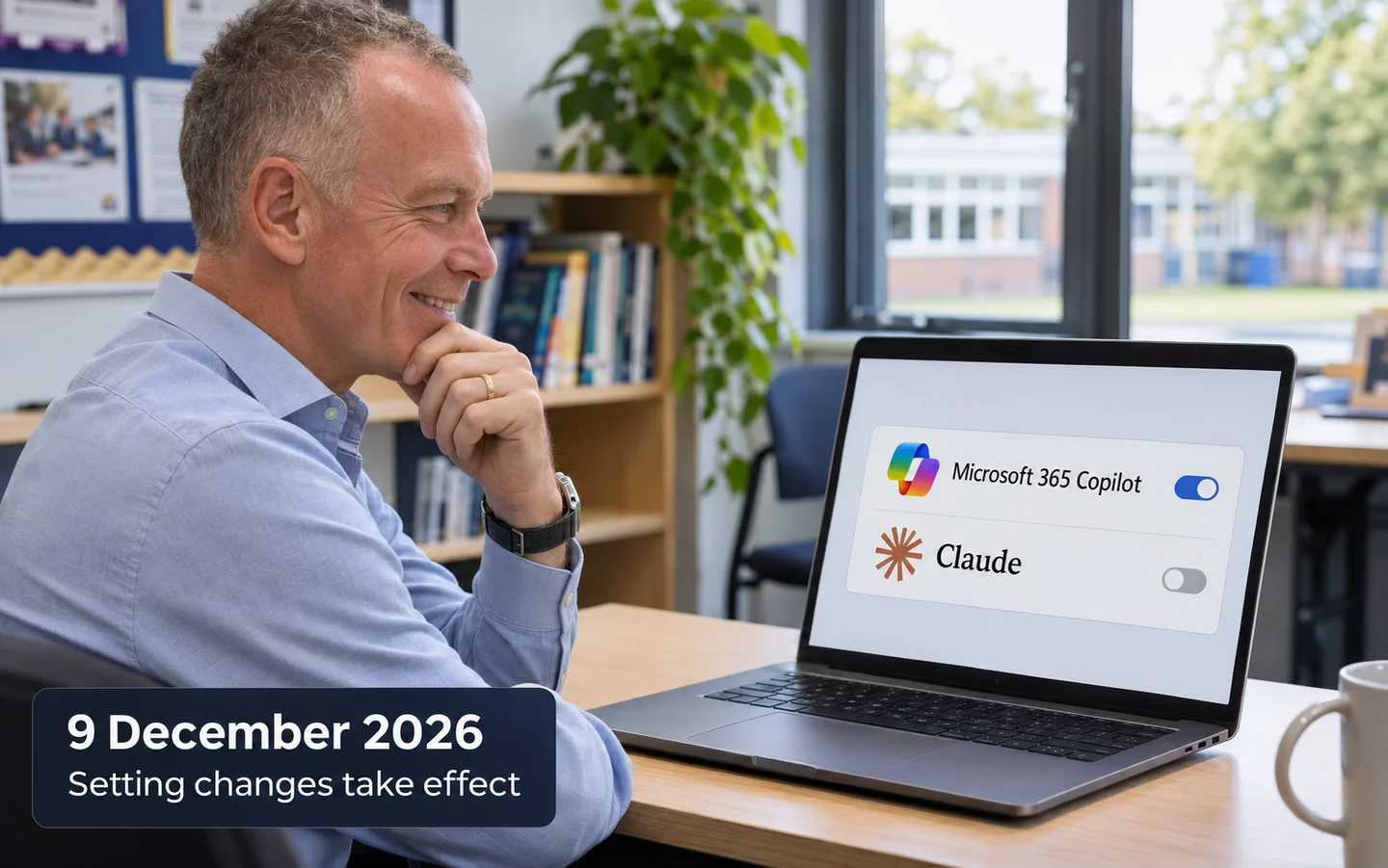
Microsoft plans to make Claude available to all users in UK tenants that have not selected an Anthropic setting. Here is what changes, what stays the same, and what schools should check.
Microsoft says that, from 9 December 2026, Claude models from Anthropic will be enabled for all users in UK Microsoft 365 tenants that have not made a selection in the Anthropic subprocessor setting. The same change applies if the tenant currently has All users for Microsoft 365 apps only selected. Existing Specific users and groups and No users selections will stay as they are. Microsoft’s guidance explains the changes.
The setting may already be enabled in newer tenants. Microsoft says it is enabled by default for UK, EU and EFTA tenants created after 25 March 2026. Administrators of older tenants are advised to check their current selection.
Check the tenant setting
In the Microsoft 365 admin center, go to Copilot → Settings → View all → AI providers operating as Microsoft subprocessors, then check Anthropic. You need the AI Administrator or Global Administrator role to change the setting.
The available choices let an organisation allow Claude for all users, restrict it to specific users or groups, or select no users. The group control limits who can use Copilot features that rely on Anthropic. It does not grant Microsoft 365 or Copilot licences. Keep students out of the selected group unless the organisation intends to give them access and has checked the relevant age and safeguarding requirements. Microsoft explains user and group assignments.
What the change does, and does not, change
Claude is an additional model provider inside applicable Microsoft Copilot experiences. Its availability depends on the relevant Microsoft 365 licence and service. Enabling Claude does not give Copilot broader access to organisational information. Copilot can only access data the signed-in user is already authorised to access. If someone cannot access a file, choosing Claude does not give Copilot permission to retrieve it. Microsoft’s Copilot architecture guidance describes how existing permissions apply.
Processing location is a separate issue. When Anthropic operates as a Microsoft subprocessor, Microsoft’s Product Terms and Data Protection Addendum apply. Microsoft says Claude processing is outside the EU Data Boundary, and its documentation states that Customer Data is processed by Anthropic in the United States. Microsoft says Claude is due to come inside the EU Data Boundary from December 2026; that boundary does not include UK tenants. Microsoft’s subprocessor guidance sets out the contractual and regional details.
Microsoft 365 governance controls still apply. Purview Audit can record Copilot interactions, including who used Copilot, when and where, and which files were accessed. The audit record does not include the full prompt and response text. That content may be available through eDiscovery or Data Security Posture Management for AI, depending on the applicable features and configuration. Microsoft’s auditing guidance explains the distinction.
What schools should consider
The Department for Education recommends that personal data is not used in generative AI tools. That does not prevent staff using Claude for work that contains no personal data. If using personal data is strictly necessary, schools should protect it and ensure the tool and procedures comply with data protection law and the school’s privacy policies. Discuss the change with your DPO and review the relevant DPIA and staff guidance. Read the DfE’s data protection guidance.
If you intend to restrict access, create or select a security group of approved users and save Specific users and groups before 9 December. Give staff clear guidance on permitted use, pupil data, and who to ask when they are unsure.
The Anthropic access setting is separate from Copilot Credits usage-based billing. If your organisation enables usage-based services or agents, review the limits and alerts in Copilot → Cost Management. Microsoft provides controls for monthly and per-user spending. See Microsoft’s Copilot Credits billing guidance.
Microsoft’s public guidance points administrators to a Message Center notice sent on 9 November, with a title beginning “Action may be required: Claude models in Microsoft Copilot”. The Message Center itself is tenant-specific, so administrators should check the notice and current setting in their own Microsoft 365 admin center.
Sources
- Enable Claude models only for Copilot experiences in Microsoft 365 apps, Microsoft Learn
- Claude models from Anthropic in Microsoft Online Services, Microsoft Learn
- Assign AI provider access to users and groups, Microsoft Learn
- How does Microsoft Copilot work?, Microsoft Learn
- Data protection and auditing for Microsoft Copilot, Microsoft Learn
- Generative AI and data protection in schools, Department for Education
- Managing AI experiences enabled by usage-based billing, Microsoft Learn